From Silicon to Shell: Building an OS for ARM and More
A bare-metal journey from a powered-on AArch64 CPU to a working interactive shell. Thirteen chapters of writing a kernel from scratch — bootloader, MMU, interrupts, allocator, processes, syscalls, filesystem, and a Rust no_std module — all running on QEMU's virt machine.
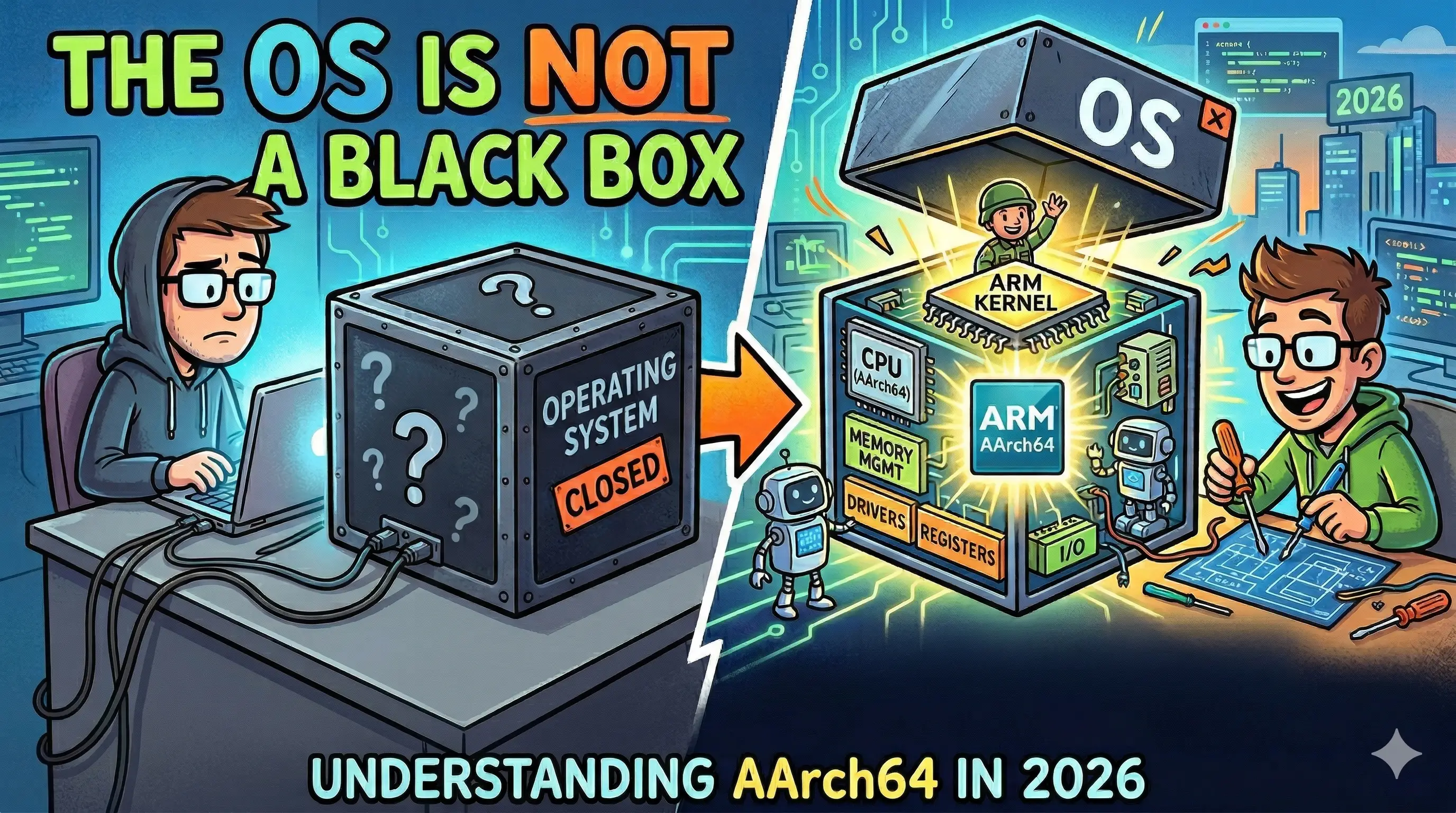
The operating system is the invisible utility of the digital age. Like water from a tap, we trust it to be there, rarely questioning the complex infrastructure beneath the surface. In this series, we stop being consumers and start being creators.
Welcome to the development of PurgatoryOS.
Across thirteen chapters, we will architect a real-world kernel for the ARMv8-A architecture. This isn’t a simulation or a wrapper; it is a journey through the “First Principles” of computing. By the end of this series, you will have moved from a cold CPU reset to a living system capable of:
- Memory Management: Configuring the MMU and custom allocators.
- Concurrency: Handling interrupts and process switching.
- User Space: Serving system calls and mounting filesystems.
- The Shell: Bridging C and Rust to provide a functional $ prompt.
No libc. No host OS. Just your code and the silicon.
The Reference Code
Bare-metal development can be unforgiving. A single misplaced assembly instruction or incorrect page table flag can halt the CPU without an error message.
To help you debug and follow along, a complete, fully working solution for every chapter in this series is available in the official repository:
You can clone it to experiment locally, check your work against the implementation, or star it for later reference.
The Curriculum
From Silicon to Shell: Building an OS for ARM and More // Module_Manifest
Why Build an OS? The Case for Going All the Way Down
Stop treating the OS as a black box. Discover why building an AArch64 kernel from scratch on ARM is the ultimate systems programming challenge for 2026. From silicon to shell, we go all the way down.
Toolchain & Environment Setup: Your First ARM Binary
Step-by-step guide to installing an AArch64 cross-compiler (GCC) and QEMU on macOS and Linux. Write a bare-metal linker script and Makefile to boot your first ARM64 program.
The ARM Boot Process: From Reset Vector to kernel_main
Learn how to write an ARM64 bootloader stub in assembly. We cover AArch64 exception levels (EL2 to EL1), zeroing BSS, stack setup, and jumping to a C kernel_main on bare metal.
Hello, UART: Your First Kernel Output via the PL011 on QEMU
Learn how to write a bare-metal C driver for the PL011 UART on AArch64. Master Memory-Mapped I/O (MMIO), the volatile keyword in C, and building a kprint function for QEMU virt without a standard library.
Memory Layout & the Linker Script: Teaching the Linker What 'Correct' Looks Like
Master ELF sections (.text, .rodata, .data, .bss) and fix alignment bugs in your AArch64 linker script. Learn to verify memory maps using readelf for bare-metal ARM development.
Virtual Memory & the MMU: Teaching the CPU to Lie
Master the AArch64 MMU on bare metal ARM. A deep dive into page table structures, translation levels (L0-L3), and configuring SCTLR_EL1, TCR_EL1, and MAIR_EL1 for kernel memory protection.
Exceptions & Interrupts: Teaching Your Kernel to Listen
Build an AArch64 exception vector table from scratch, set up the GICv2 Generic Interrupt Controller on QEMU, and write a working ARM Generic Timer interrupt handler. Your kernel finally responds to the hardware.
A Heap Allocator: Teaching the Kernel to Manage Its Own Memory
Write a bump allocator and then a free-list allocator from scratch in C for your AArch64 bare-metal kernel. Learn block headers, first-fit search, coalescing, alignment, and why Rust's no_std offers a safer alternative. Visualize every allocation interactively.
Processes & Context Switching: Teaching the Kernel to Multitask
Build a round-robin task scheduler from scratch for your AArch64 bare-metal kernel. Implement the PCB, understand why only callee-saved registers need saving, write the context_switch assembly, and watch two tasks interleave on the UART — the moment your kernel becomes an actual operating system.
System Calls: Drawing the Line Between User and Kernel
Drop your AArch64 tasks into EL0, trap into EL1 with the svc instruction, decode ESR_EL1 EC=0x15, dispatch through a syscall table, and return cleanly with eret. Four real syscalls — write, exit, getpid, yield — and the hardware-enforced privilege boundary that makes them possible.
Bringing in Rust: A no_std Allocator Under the Kernel
Carve the C heap allocator out of PurgatoryOS and replace it with a no_std Rust implementation wired in via extern C FFI. Set up aarch64-unknown-none-softfloat, build-std core + alloc, the GlobalAlloc trait, a spin-locked free list, and a Makefile that links libpurgatory_rs.a into the existing kernel.elf — without rewriting a single line of C above the allocator.
What You’ll Build
The series is structured in four phases, each one earning a new layer of the kernel:
- Phase 1: The Bring-Up (Chapters 1–4): Motivation, cross-toolchain setup, the AArch64 reset vector, and your first character out the PL011 UART.
- Phase 2: The Memory Model (Chapters 5–6): A linker script that lays out the kernel image, then translation tables and the MMU so virtual memory becomes real.
- Phase 3: The Runtime (Chapters 7–11): Exception vectors, a heap allocator, processes and context switching, a syscall ABI, and a
no_stdRust module wired in viaextern "C". - Phase 4: The User Story (Chapters 12–13): A simple in-memory filesystem and a REPL shell over the UART that can dispatch built-ins and exec a flat binary.
What You’ll Need
- A working knowledge of C. Comfort with pointers, structs, and reading assembly listings.
- A passing familiarity with Rust for the FFI chapter — we explain the
no_stdandGlobalAllocbits as we go. - A macOS or Linux machine. We install
aarch64-elf-gcc(or the Linux equivalent) and QEMU in Chapter 2; no physical ARM board required. - Patience for assembly. There are a few hundred lines of it across the series, and they are the most important lines in the project.