Why Build an OS? The Case for Going All the Way Down
Stop treating the OS as a black box. Discover why building an AArch64 kernel from scratch on ARM is the ultimate systems programming challenge for 2026. From silicon to shell, we go all the way down.
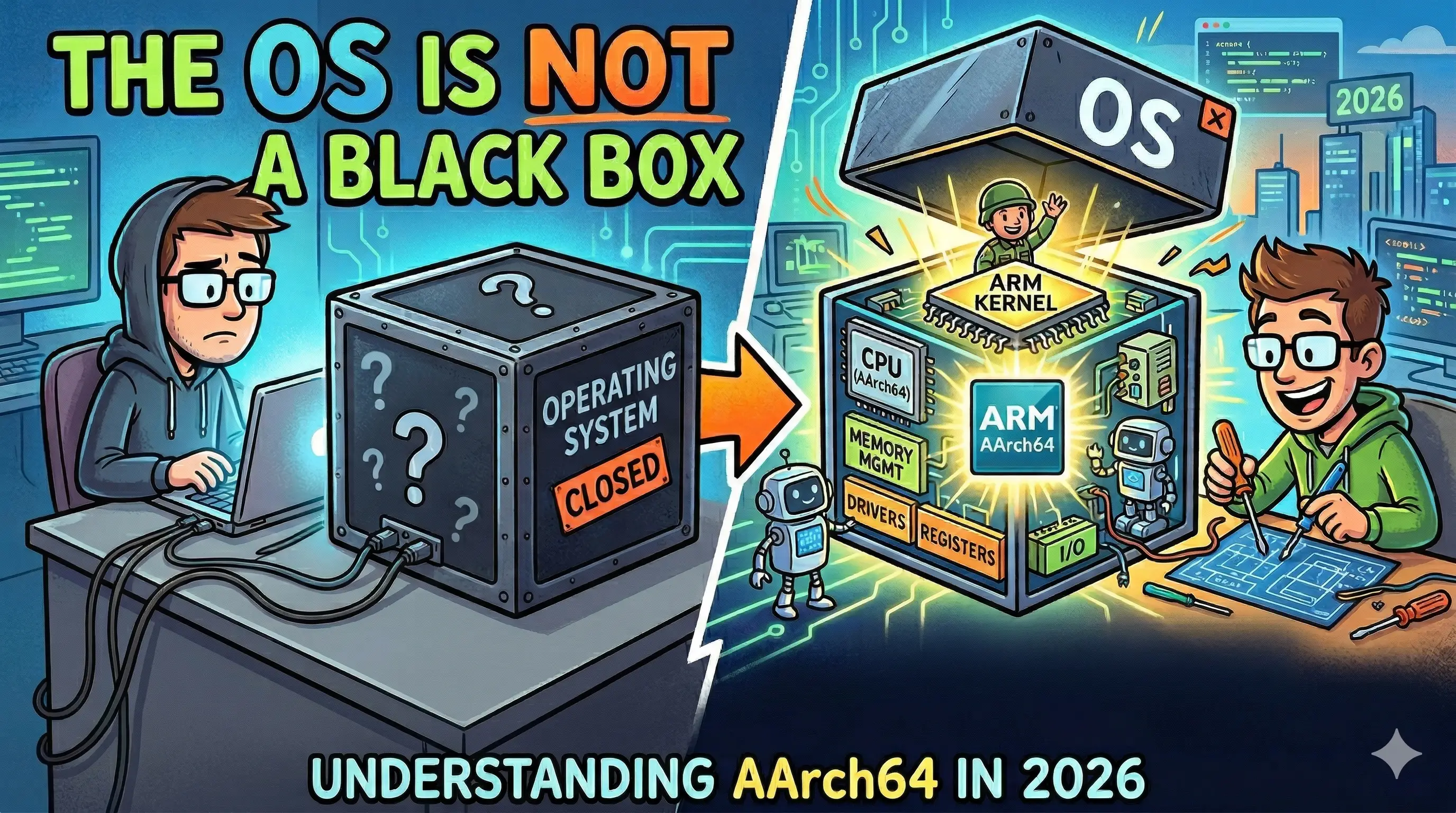
Let me ask you something uncomfortable: how does your code actually run?
Not “the runtime handles it” or “the OS schedules it.” I mean the full chain. From the moment the CPU comes out of reset to the moment your program’s first instruction executes, what actually happens? Most developers, even experienced ones, couldn’t tell you. They’ve built entire careers on top of a process they’ve never looked at directly.
That’s what this series is about. We’re going to build an operating system from scratch on ARM, and by the end, we will have a real, bootable kernel with a shell you typed into existence. Not a toy. Not a tutorial wrapper around someone else’s code. Your own operating system.
What We’re Building Today
This first post doesn’t write a single line of kernel code. Instead, it lays the foundation: what we’re building, why we’re building it on ARM, what
“AArch64” actually means, and why QEMU’s virt machine is the right target for this journey.
Here’s the full path from silicon to shell, the journey this series takes you through:
Why Build an OS at All?
Here’s the honest answer: you don’t need to. Linux exists. FreeRTOS exists. If you want an OS, you can download one in thirty seconds. So let’s not pretend this is practical in the conventional sense.
What it is the single most effective way to understand what your software is actually doing.
Every abstraction layer you normally work above, like garbage collection, virtual memory, system calls, schedulers, and file descriptors, was invented to solve a specific hardware problem. When you build an OS, you confront those problems directly. You’re not reading about why virtual memory exists; you’re writing the page table code and watching your kernel page-fault on a null dereference at 3am. That experience doesn’t leave you.
The research backs this up. A 2024 IEEE study found that students who built OS projects improved their debugging proficiency by 40% compared to lecture-only cohorts.
That’s not a marginal gain. That’s a fundamentally different relationship with the machine. The effect makes sense: when you’ve written a memory allocator from scratch,
you stop guessing why mallocs sometimes returns a pointer that’s already in use. You know why.
There are career consequences, too. Systems programmers consistently command the highest salaries in the industry. But more than the salary, there’s a kind of confidence that comes from having touched the bottom. When you’ve debugged a kernel with nothing but a UART output and a hex dump, higher-level problems start to feel very manageable.
None of that is why I’d actually recommend this, though. I’d recommend it because it’s genuinely one of the most satisfying things you can build. The moment your kernel boots for the first time and prints a single character to a screen, not through a framework, not through an OS, through your code running on bare hardware, is unlike anything else in software development.
Why ARM? Why Now?
This is not 2010. ARM is not just “the chip in your phone” anymore.
In 2026, ARM is:
- Your laptop. Apple’s M-series chips are AArch64. Every MacBook sold since late 2020 runs ARM. If you’re reading this on a Mac, you’re already on ARM.
- The cloud. AWS Graviton powered more than 40% of Amazon’s own EC2 compute during Prime Day 2025. Microsoft Azure Cobalt and Google Axion are AArch64. ARM-based instances now represent close to 50% of chips shipped to top hyperscalers.
- Every smartphone on earth. Over 6.8 billion active ARM-based smartphones are in use globally as of 2025. The instruction set you’re learning in this series is the instruction set that runs the dominant computing platform in human history.
- Embedded and automotive. The average premium EV in 2025 contains over 38 ARM chips. From the instrument cluster to the ADAS unit, ARM is in the safety-critical software stack you’ll be working on if you work in automotive or embedded systems.
ARM isn’t a niche architecture for hobbyists anymore. It’s the architecture. Learning to write an OS for ARM is learning to write an OS for the machines that actually matter in 2026.
And from a pedagogical standpoint, ARM’s design is better for learning. The instruction set is regular and orthogonal. The boot process is clean. The privilege model is well-documented and sensible. x86 carries forty years of backwards-compatibility baggage; AArch64 was designed from the start to be a modern 64-bit ISA.
AArch64 vs ARMv7: Picking a Target
You might have seen “ARM” used to refer to wildly different things. Let’s be precise, because it matters when you’re writing kernel code.
ARMv7 is the older 32-bit ARM architecture. It’s the architecture of the original Raspberry Pi, most older Android phones, and embedded microcontrollers from a decade ago. It’s 32-bit, which means it has a 32-bit address space (4GB maximum), 32-bit general-purpose registers, and a different system register model.
ARMv8 / AArch64 is the current 64-bit ARM architecture. “AArch64” is the official name for the 64-bit execution state introduced in ARMv8. Some documentation also refers to it as “ARM64”. AArch64 gives you:
- A 64-bit address space — no more cramming everything into 4GB
- 31 general-purpose 64-bit registers (x0 through x30) instead of 16
- A cleaner exception model EL0 through EL3
- NEON/SVE SIMD support for vector operations
- Better hardware virtualisation support
We’re targeting AArch64. Specifically, we’re targeting ARMv8-A, the application profile. This is what your Mac is running. It’s what AWS Graviton runs. It’s what matters.
If you’re on an older Raspberry Pi 2 or a 32-bit microcontroller, some things won’t translate directly. But if you have any ARM64 hardware, like a recent Raspberry Pi, an Apple Silicon Mac, or a modern Android device, the kernel we build will run on it.
Why QEMU’s virt Machine?
Real hardware is great. It’s also a source of pain you don’t need or want.
Every real ARM board has its own quirks: a specific UART at a specific memory address, a bootloader that expects firmware in a particular format, USB-C power quirks, and SD card timing issues. Learning to fight those idiosyncrasies while learning how ARM boot works is a recipe for giving up before even setting up the toolchain.
QEMU’s virt machine solves this. It’s a virtual ARM board that doesn’t correspond to any real hardware;
it’s designed purely for use with virtual machines and emulation. The QEMU project documents exactly
what it does, and it never surprises you. It has:
- A PL011 UART at a known memory address (we’ll use to print our first kernel output)
- A GIC (Generic Interrupt Controller) for interrupt handling
- A clean boot flow that drops you into EL1 with minimal firmware ceremony
- Reproducible, deterministic behaviour across every machine
The command to launch a bare-metal kernel in QEMU virt is a single line. There’s no SD card to flash, no power cycle ritual, no hardware you might accidentally brick. You can run the same kernel binary on any machine with QEMU installed.
You can move to real hardware by the end of this series if you want. The code we are writing is deliberately portable. But for this learning purpose, QEMU virt is the right tool.
The Full Roadmap
Here’s what the series covers, in four phases:
Phase 1: Foundation (Posts 1–3): Why we’re building this, toolchain setup, and the ARM boot process. By the end of this phase, you’ll have an assembly that jumps into C.
Phase 2: The Kernel Core (Posts 4–8): UART output, memory layout, virtual memory and the MMU, exceptions and interrupts, and a heap allocator. This phase probably covers the hardest posts in the series.
Phase 3: OS Primitives (Posts 9–12): Processes and context switching, system calls, bringing Rust into the kernel, and a simple in-memory filesystem.
Phase 4: Shell & Beyond (Posts 13–14): Building an actual shell over UART, then a forward-looking design post on what a quantum OS would need to look like. We will ask real design questions about scheduling qubits, probabilistic memory, and what kernel abstractions would have to change.
Every post leaves you with something that actually runs. Every phase ends somewhere concrete. By the end, you’ll type a command into your own OS and get a response.
What Broke (And Why)
Don’t worry, nothing broke yet since we haven’t written any code. But let me be upfront about what will go wrong, because if you know it’s coming, you’re less likely to quit when it happens.
The MMU will break your kernel. This is where most people who attempt this series will stop. Enabling the
Memory Management Unit on AArch64 requires you to set up page tables correctly before you flip the switch.
One wrong bit in TCR_EL1 and your kernel silently jumps to address 0x0 and hangs. The error message is nothing.
The UART goes silent. I’ll walk through every bit field, but expect to spend more time on that post than any other.
Your mental model of “the stack” will get complicated. On bare metal, you set up the stack. There’s no runtime doing
it for you. If you forget to set sp before calling a C function, the function will corrupt whatever happens to be at
that memory address. It might work. It might not. The bug will be baffling until you remember: this isn’t Linux. Nothing is set up for you.
QEMU’s exit behaviour is not what you expect. When your kernel crashes, QEMU doesn’t print a nice error message and exit. It just stops responding. Or loops. Or exits with code 1 with no message. Learning to distinguish “my kernel panicked” from “QEMU hit an internal error” from “I just locked up in an infinite loop” is its own skill. We’ll cover debugging techniques throughout the series.
Your Call to Action
In the next post, we will set up the project and toolchain. By the end of the next post, you’ll have:
- A configured and working cross-compiler (
aarch64-linux-gnu-gcc) - QEMU installed and able to run a minimal AArch64 binary
- A Makefile skeleton that will grow with us through the series
- Your first binary running in a virtual ARM machine
If you can’t wait, you can already install QEMU. On macOS with Homebrew: brew install qemu. On Debian/Ubuntu: sudo apt install qemu-system-arm.
The rest of it, we build together in the next post.
Sources
- ARM Architecture Wikipedia - overview of the AArch64 architecture, its registers, and instruction set, used as background for the AArch64 vs ARMv7 section.
- QEMU AArch64 Virt Bare Bones — OSDev Wiki - practical OSDev community guide to running bare-metal AArch64 code on QEMU’s virt machine.
- ARM vs x86 Processors in 2026 — TechTimes - market context for ARM’s dominance across laptops, cloud, and mobile in 2026.
- ARM Graviton & AWS Data Center — ARM Newsroom - ARM’s own data on Graviton adoption and hyperscaler usage, cited in the “Why ARM?” section.
- ARMv7 vs ARMv8 Architecture Differences — IIES - comparison of the 32-bit and 64-bit ARM architectures referenced when explaining which target we’re using.
- QEMU ARM System Emulator Documentation - official QEMU documentation for ARM system emulation and the virt machine’s capabilities.